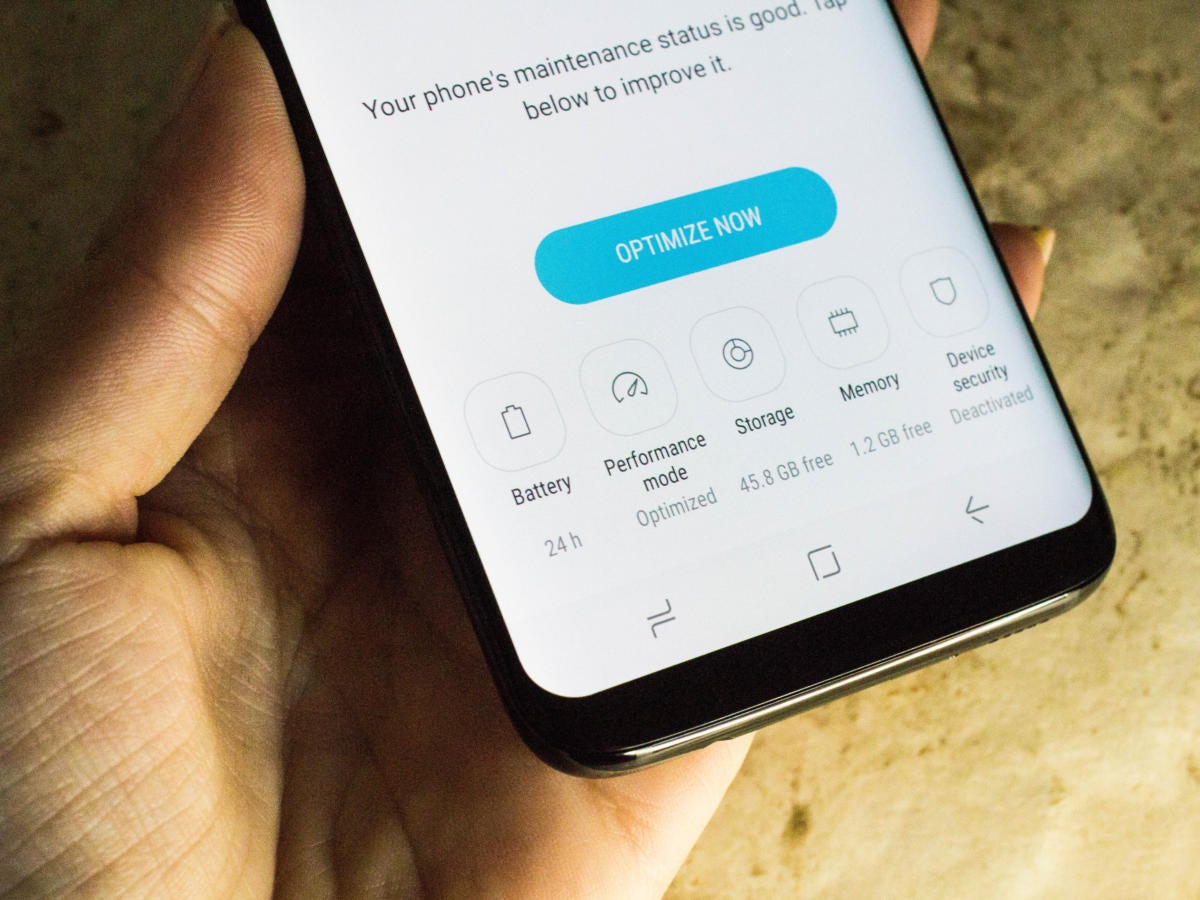
After the failure of Samsung Note 7, Samsung devotes to win their consumers back this year. To attract shoppers’ eyeballs, Samsung doesn’t keep Samsung Galaxy S8’s design under wraps, by contrast, their information disclosed in advance and many rumors released among people. What can we expect from the latest Samsung generation?Let’s see what we can assure ourselves when the Samsung debut in New York City and how to charge Samsung Galaxy S8 battery first time if you are ready to be a user of it.
Expectations from Samsung Galaxy S8 for sure
Without any doubt Samsung spares no effort to improve their battery quality. As a result, Samsung Galaxy S8 may have adopted its revised eight-point battery testing procedure and meanwhile it will leave more space inside for the battery. Another concern is that it features a bezel-less infinity display and brandy new intelligent assistant Bixby, practically everyone knows bigger display means more power consuming, moreover, the cool Bixby would probably be another power draining source.
How to charge Samsung Galaxy S8 battery first time
When facing a brand-new mobile phone, people tend to ask more questions about how to prolong the mobile phones’ battery life. In fact, various smartphones comes with the similar way to avoid being damaged. However, when comes to the first charge, there are some difference to Li-ion batteries. As a common used battery today, Li-ion batteries are much smarter than before. They needn’t to be full charged at the first three times charging, as it is the case with lead acid, nor is it desirable to do so. In most cases, the recommendation on the instruction book is the best way to charge Samsung Galaxy S8 battery first time before using. Additionally, full-charge even do harm to your new phone as high voltages may stress the battery.
Besides the first time, charge your phone properly afterwards is also very important, here are some attentions you should be paid:
Keep a battery at a favorable temperature
Avoid harsh discharge and ultra-fast charge
Store Li-ion at partial charge better at about 50 percent SOC